Pacingsample · On track
Pacing
On track, at risk or behind, per booking and per day, against the airtime owed so far. A booking that falls behind shows it mid-flight, while there is time to repair it.
Details in the docsContent, programming, airtime, screens and delivery evidence share one data model. Each step feeds the next instead of ending at a system boundary.
Media, AI Studio, compositions, dynamic creative and live data.
Playlists, channels, scenarios and mix policies.
Products, rates, bookings and guarantees.
Players, stores, zones and remote control.
Proof of play, delivery, reporting and settlement.
The concept film shows the whole path in 73 seconds: create content, use AI Studio, program, sell, operate screens and prove delivery.
Create
One composition, many versions: rules on time, live data, place or scenario pick what each screen draws, and a store or zone sets its language. One ERP file can give each branch its own stock. Texts are machine-translated through DeepL with a brand glossary, the cost is shown before a run, and review can gate release. Every play records the version it showed.
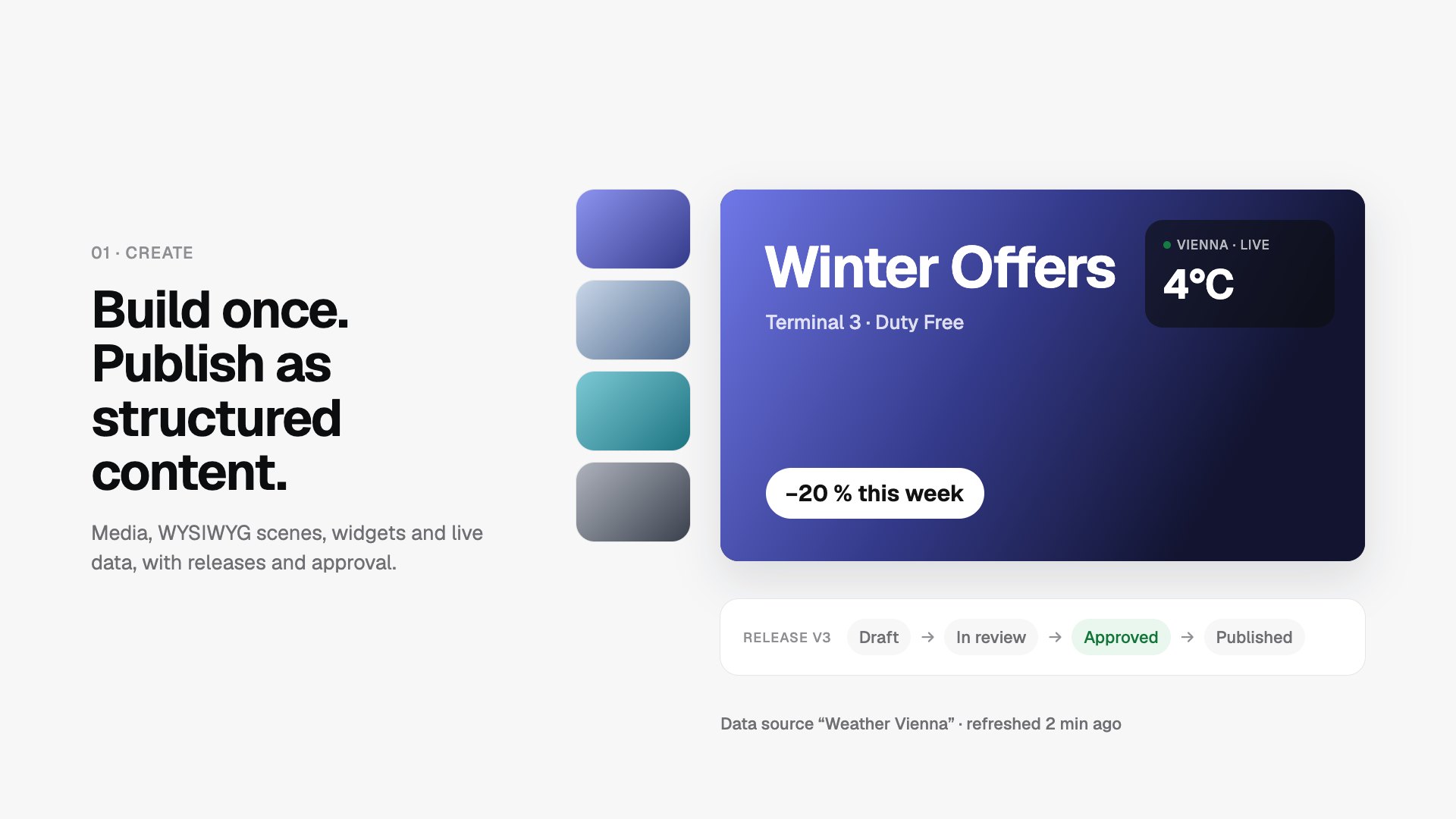
Details in the docsDesign scenes in the browser with widgets and live data; each is released as a versioned player bundle. A composition is the one content type that is created rather than uploaded. Scenes bind data fields and ship to players as offline bundles.
Details in the docsGenerate and edit images for your screens; every result is marked as AI and passes approval. Variant sets prepare versions for different screens, and provenance, approval and cost stay on record.
Details in the docsDerive new assets from a ready image or video: wall parts, reframes, trims and stills. Nothing is encoded in the browser; one server-side job flow plans, encodes and reports progress for every operation.
Details in the docsProgram
Playlists loop ordered content; a channel binds playlists and paid demand to one screen area, with its own mix policy and scenario. A playlist can be narrowed per player category and time of day. Stores, zones and players carry category values such as placement or language, so one rule reaches many screens.
Details in the docsOne switch on a channel changes what plays, by hand, by API or by rules. Scenarios form one tree per workspace. Each channel stands on one node, so one venue area can run Football while another runs Wayfinding.
Details in the docsOne reusable policy splits a channel’s airtime between booked ads, programmatic sources and playlists, with a fallback for any gap. Stream targets add up to 100, a ceiling caps over-delivery, and each stream chooses what happens to airtime its demand cannot fill. One policy can back several channels.
Details in the docsThe same motif at the same second on many screens, or one creative split across a video wall. Ordinary rotation does not start screens together; the docs catalogue what can be built, from which parts, and where each path stops.
Details in the docsSell
A product targets by channel, player, store or geo area, narrowed by categories; a booking adds flight windows and dayparts. The editor checks capacity as you edit, and advertiser clearance and operating hours remove what the screen cannot deliver.
Details in the docsCompeting advertisers do not play back to back where another booking can serve; every exception is counted. The workspace keeps separation groups; an advertiser belongs to any number of them, and a booking may add its own.
Details in the docsVAST sources fill the programmatic share of a channel’s mix, next to booked ads. Each ad opportunity runs one weighted draw, then an ordered waterfall. Demand Insights shows fill rate and latency per source.
Details in the docsA buyer’s own AI agent checks fit and price, drafts and requests bookings, and reads delivery and proof. It works on its own order book only, cut to the rights of its service-user API key.
Details in the docsOperate
The same player runs as a native app or in a browser, including Samsung Tizen panels. Every target runs the same schedule, pacing and play-events; only the route onto the screen differs.
Details in the docsBranches and zones organise the fleet, and a store’s opening hours and holidays apply to every screen in it. Hours are resolved in the store’s time zone and sent to the screens as exact instants, so a clock change cannot shift a holiday.
Details in the docsFleet presence, player health and playback, with auditable remote commands. Simulate & Follow draws one screen’s programme at a chosen moment without a device.
Details in the docsEach person arranges Home from the cards they may see: which ones, their order and size, and their own tabs. Admins set a starting layout per role, a personal layout follows the account to any device, and cards never show more than the viewer’s permissions allow.
Details in the docsProve
Finished plays are sealed hourly into a hash chain, anchored daily and, where a screen holds a key, signed by the device. A buyer can verify delivery independently instead of taking a number on faith.
Details in the docsEach play records why the spot won its slot, what the same decision denied and how rotation drew it. The play events are an append-only stream of what played, where and for how long.
Details in the docsCan it be sold, can it play, is it keeping pace, did it keep its separation clause? Four questions at four moments, answered by the server in words.
Details in the docsCompare up to three bookings, players, channels or SSP sources, and read demand, freed airtime, carbon, proof anchors and versions played. A missing value always carries its reason instead of a dash, and most tabs export what they show as CSV.
Details in the docsTargeting
Geography, stores, zones, screen areas, categories, time and live data each carry a rule, and they stack: a screen plays only what passes every level that is on. Switch a level off to see what it removes.
SpaceRegion East › Retail. Decides who may see, book and approve this booking. Not where it plays.
Where it plays 2 of 24 screenssample estate
A data condition reads the screen’s latest snapshot; stale data falls back to safe content.
Governance
Who may see, change and approve what is decided in six places.
Every row belongs to one workspace. Reads are scoped to it and a write across workspaces is rejected.
Details in the docsOne organisation tree per workspace. A role applies to a node and, optionally, below it; never upward.
Details in the docsPermissions are named actions, bundled into roles. Advertiser memberships limit what a buyer sees.
Details in the docsWith content approval on, only approved content enters schedules. A new release waits while the approved version keeps playing.
Details in the docsA workspace turns it on; people use an authenticator app or e-mail codes.
Details in the docsA platform operator may act as a user for at most 30 minutes, with a reason and no renewal.
Details in the docsIntegration
Each door has its own credential. All of them call the same handlers, so workspace, permission and lifecycle rules exist once.
Browser · JWT
REST and server-sent events for the browser application that carries the complete operator workflow.
Details in the docsDevice · player token
SignalR control and read-only content delivery for paired players.
Details in the docsCustomer · scoped API key
Versioned REST for products, availability, bookings, media, delivery and settlement, with signed webhooks and a Scalar reference.
Details in the docsAgent · service-user API key
Typed tools on two paths: an operator path that also carries 23 resources, and a buyer path limited to the buyer’s own order book and the key’s rights.
Details in the docsShow me players in Vienna that are offline or in maintenance, then explain what the affected screens last played.
Does the Spring launch product fit two weeks in March? Check fit and price, save the draft and request it.
Delivery quality
Reach says how many screens could have shown a campaign. These readings say whether its promise is being kept. The server explains every shortfall in words, the same in the application, the customer portal and the API.
Pacingsample · On track
On track, at risk or behind, per booking and per day, against the airtime owed so far. A booking that falls behind shows it mid-flight, while there is time to repair it.
Details in the docsShortfalldocs example
Delivered 250 sShare gap 50 sVolume gap 150 s
A share gap can be repaired in the schedule. A volume gap is airtime that never existed, because the screens ran less than planned. The split says which to fix.
Details in the docsCoveragesample day
EligibleCrowdedCut outClosed
Where a saved booking is planned to land: eligible, cut out, crowded or closed, as a day strip or an hour grid. A hole in the plan is fixed before it becomes a shortfall.
Details in the docsSettlementsample flight
Planned against measured seconds, per screen, as a post-flight export for finance. Price per thousand plays bills only plays that ran to completion.
Details in the docsEach block above links to the docs page that states the rule.
A non-commercial research platform for digital signage and retail media.